Located in the Santa Claus Village (no, seriously) within the township of Rovaniemi, Lapland, this glass boutique resort is what every Christmas dream is made of! Continue reading

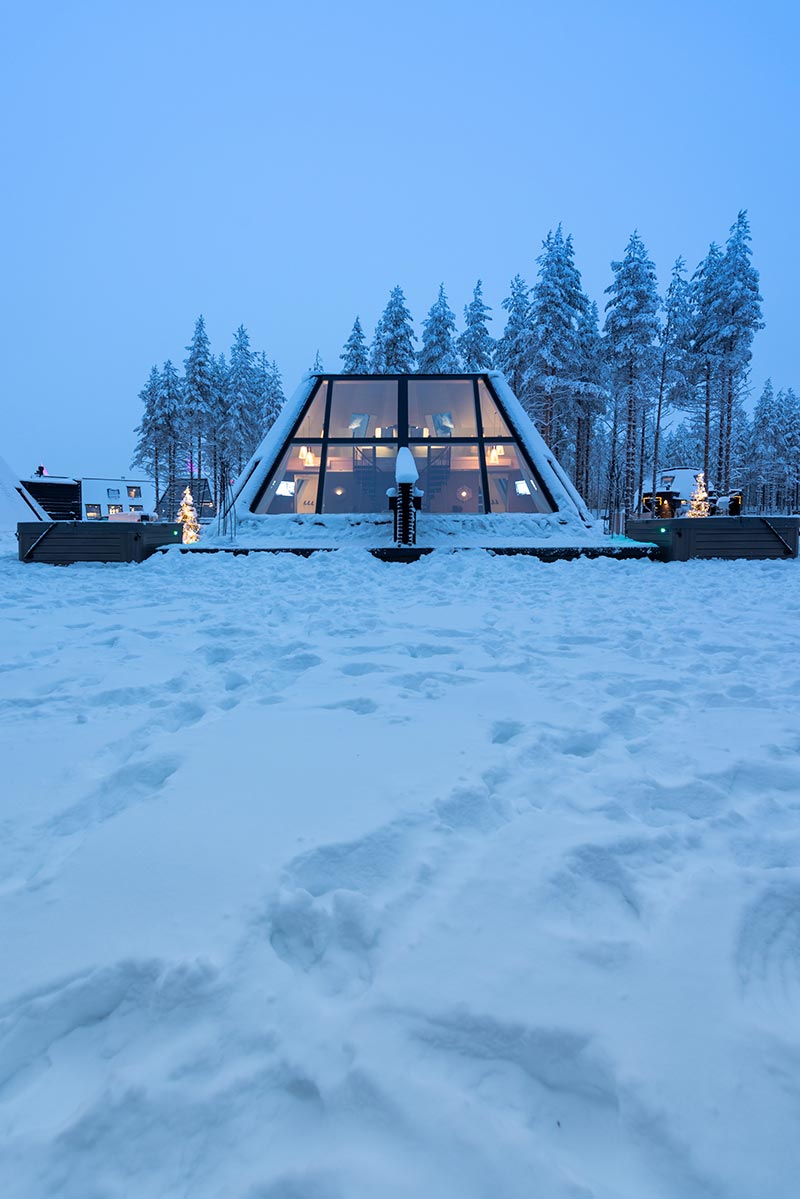
Located in the Santa Claus Village (no, seriously) within the township of Rovaniemi, Lapland, this glass boutique resort is what every Christmas dream is made of! Continue reading
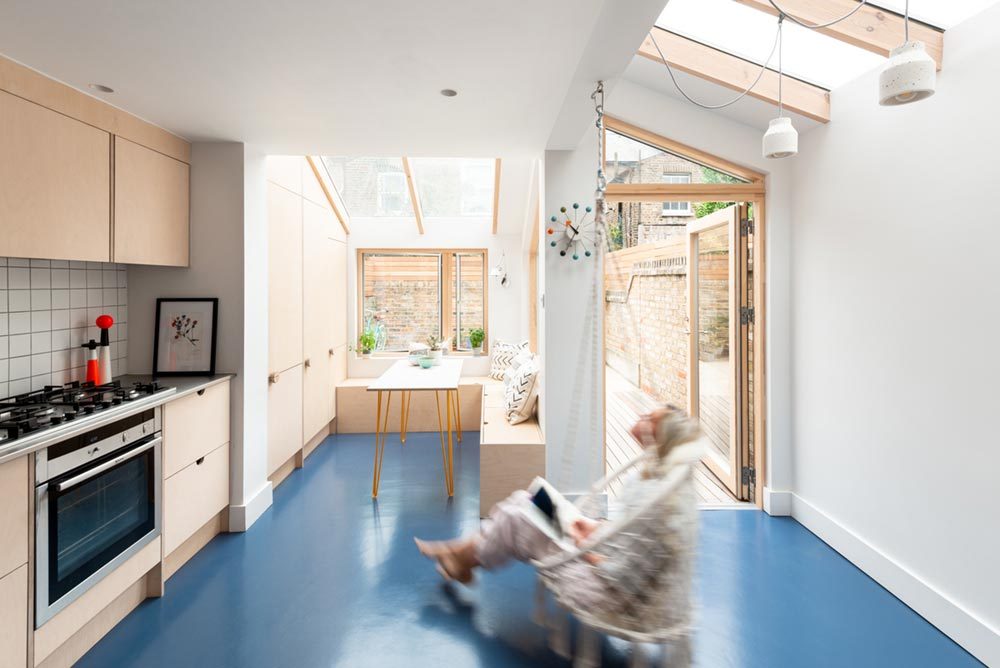
Located in the Conservation Area of Westminster’s Queen Park, simplistic meets sea-blue rubber floors within this new extension – a home affordably revitalized for a growing family who dwells here. Continue reading
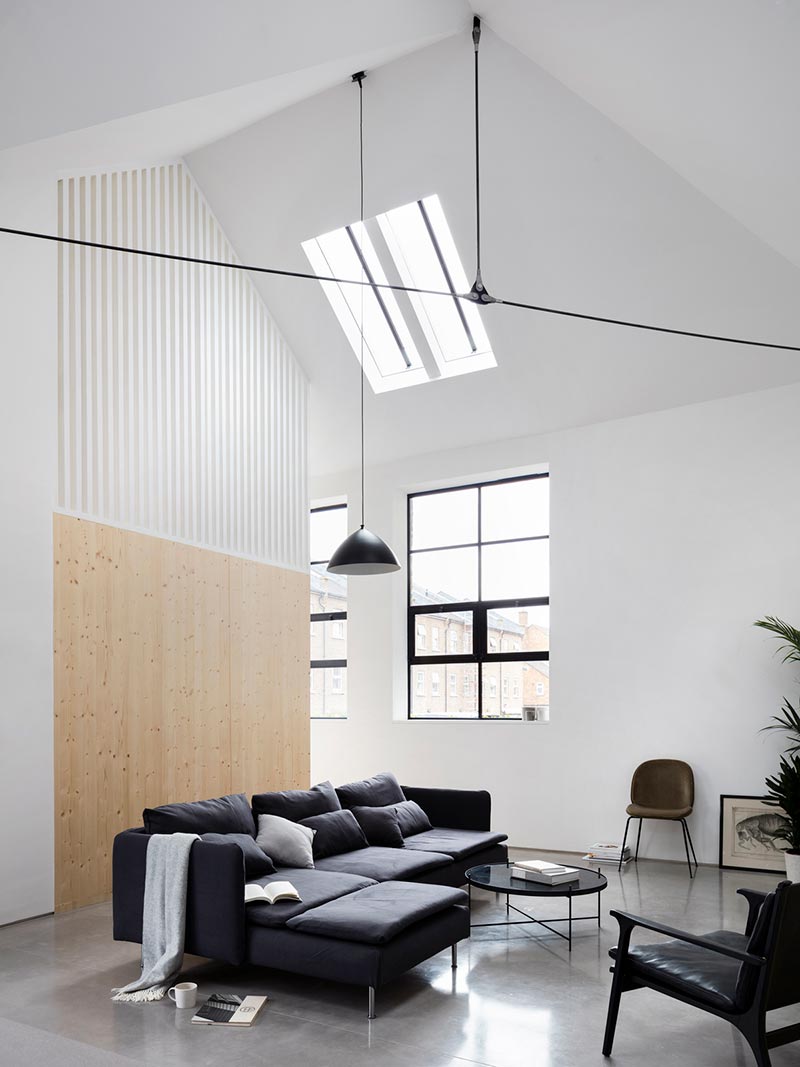
It’s official – recycling just got a whole lot cuter! Warehouse no more, as this conversion has now become a sexy house one could easily call home. Continue reading
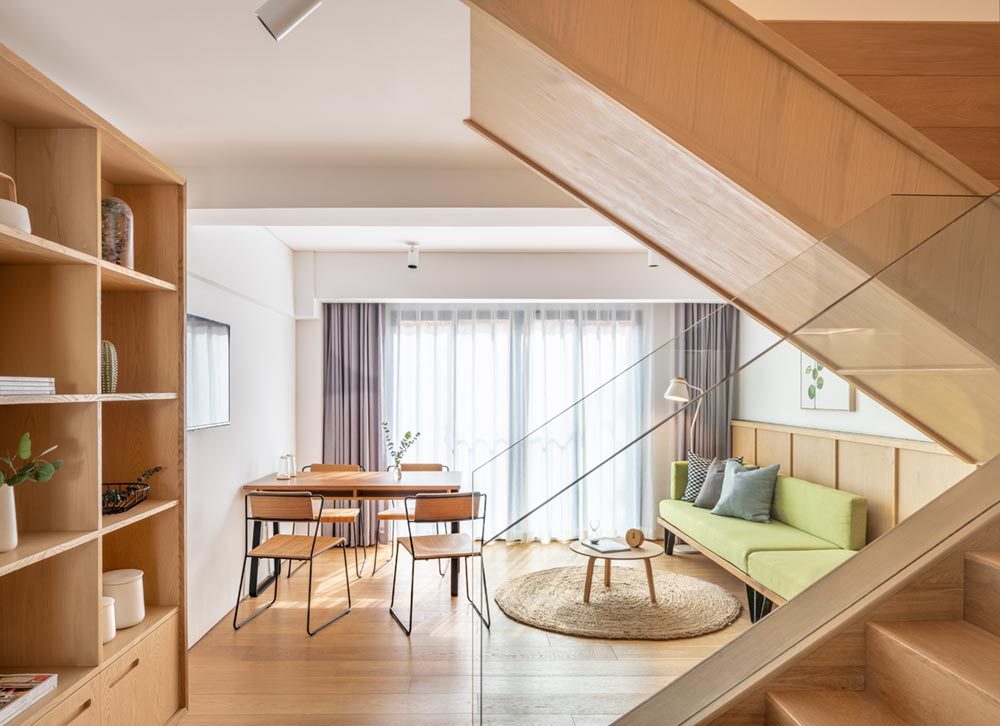
Retro meets forward-thinking living in the project of Cohost West Bund. Set in the district of Shanghai, China, this once hotel has been beautifully transformed into co-op housing, with shared living spaces throughout and individual homes in which to retreat. Continue reading
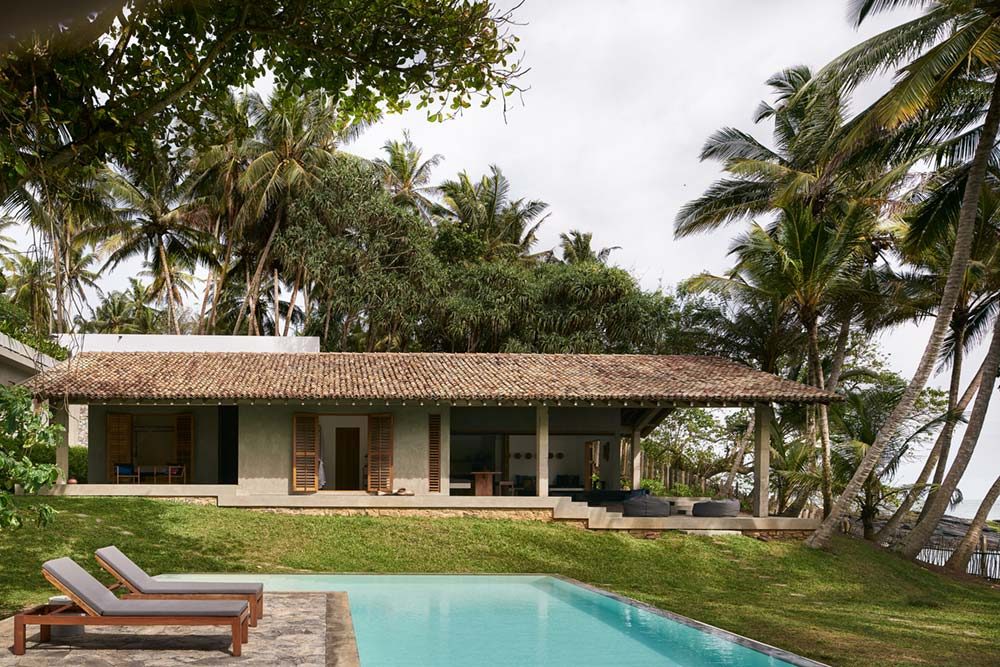
Constructed by AIM Architecture and Norm Architects, this boutique villa getaway is set in the southern end of Sri Lanka, offering two exclusive beachfront homes within a dense tropical forest, delivering soft architectural elements that keep nature and home a harmonious duo. Continue reading
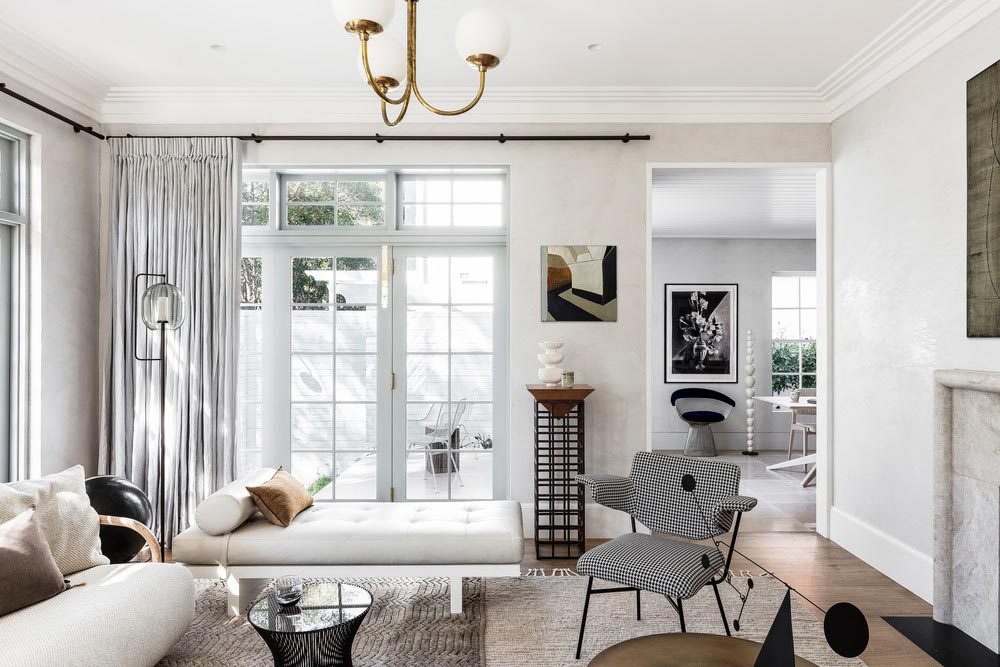
This Victorian Cottage redesign is all things crisp, clean and contemporary, located in – fittingly – Darlington Point, Sydney, Australia. Continue reading
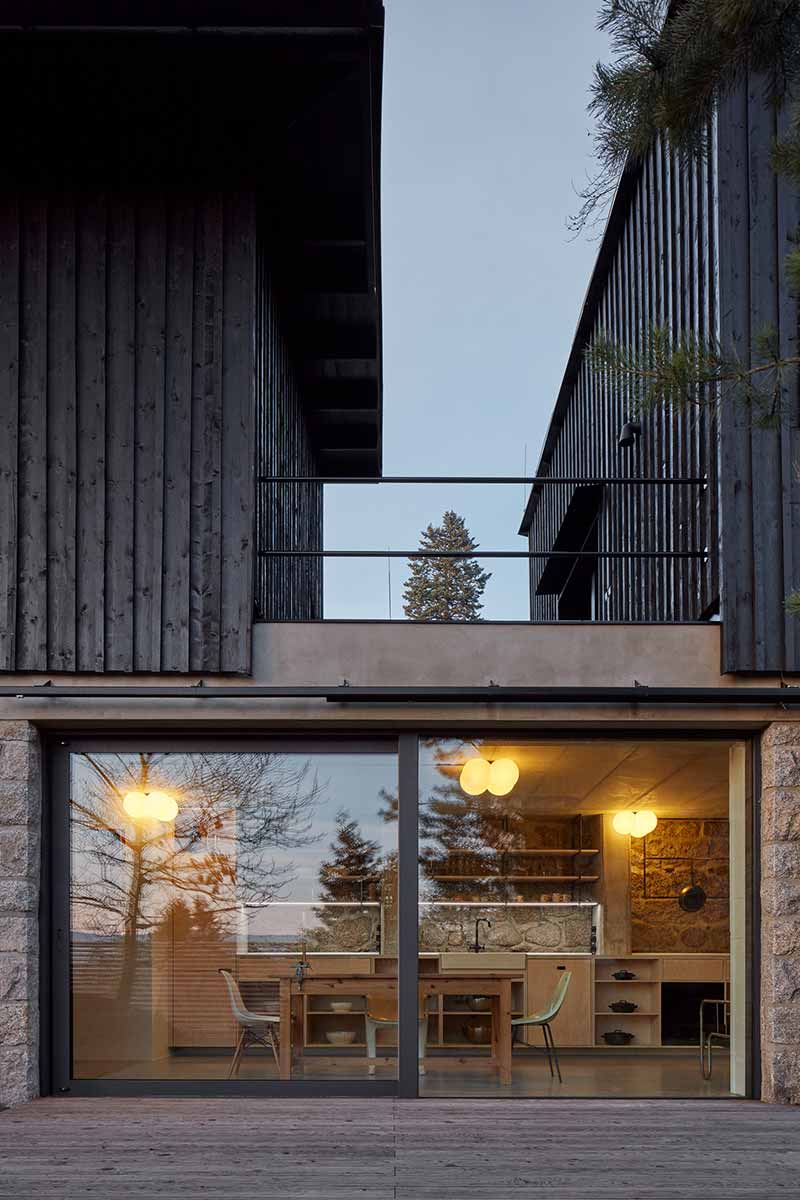
This century old country house sits in Liberec, within the Czech Republic, with a stone basement that was both the inspiration and the foundation for creating this new living space, all while maintaining some of the home’s historic charm. Continue reading
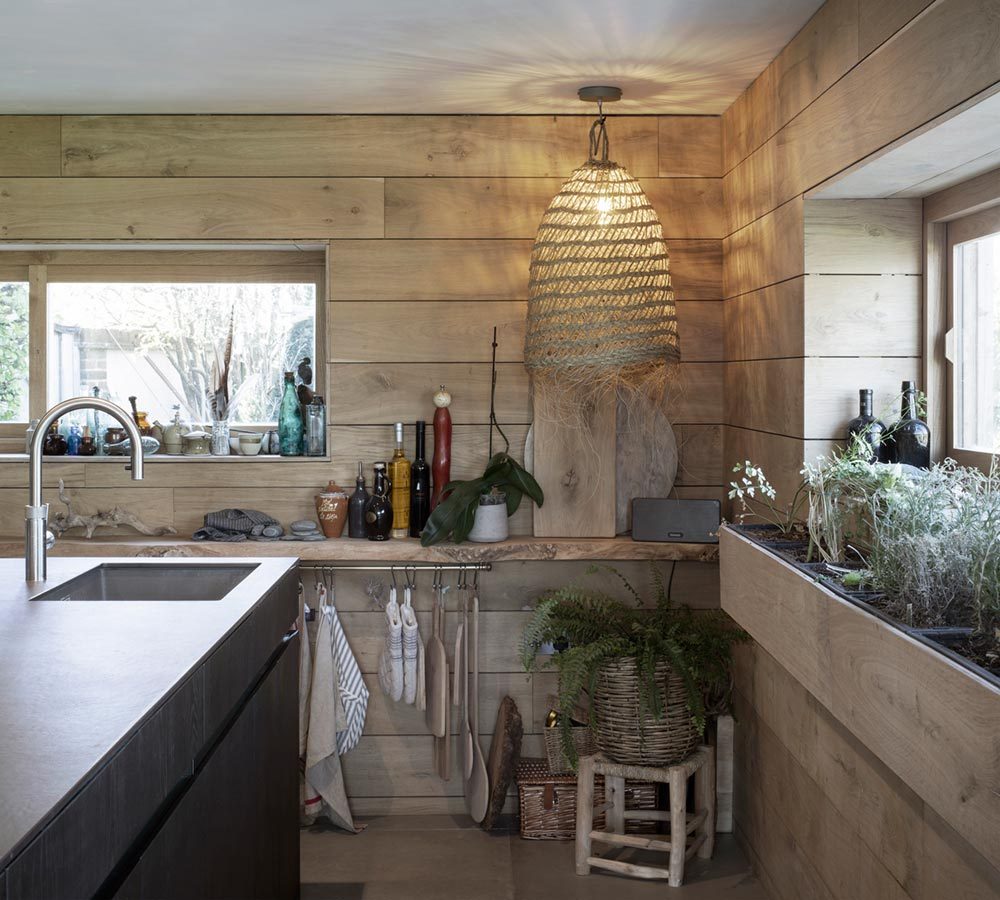
Weathered wood never looked so good as it does in this cottage extension – an 1830’s West Sussex home set along the countryside of Sidlesham Quay village. Continue reading
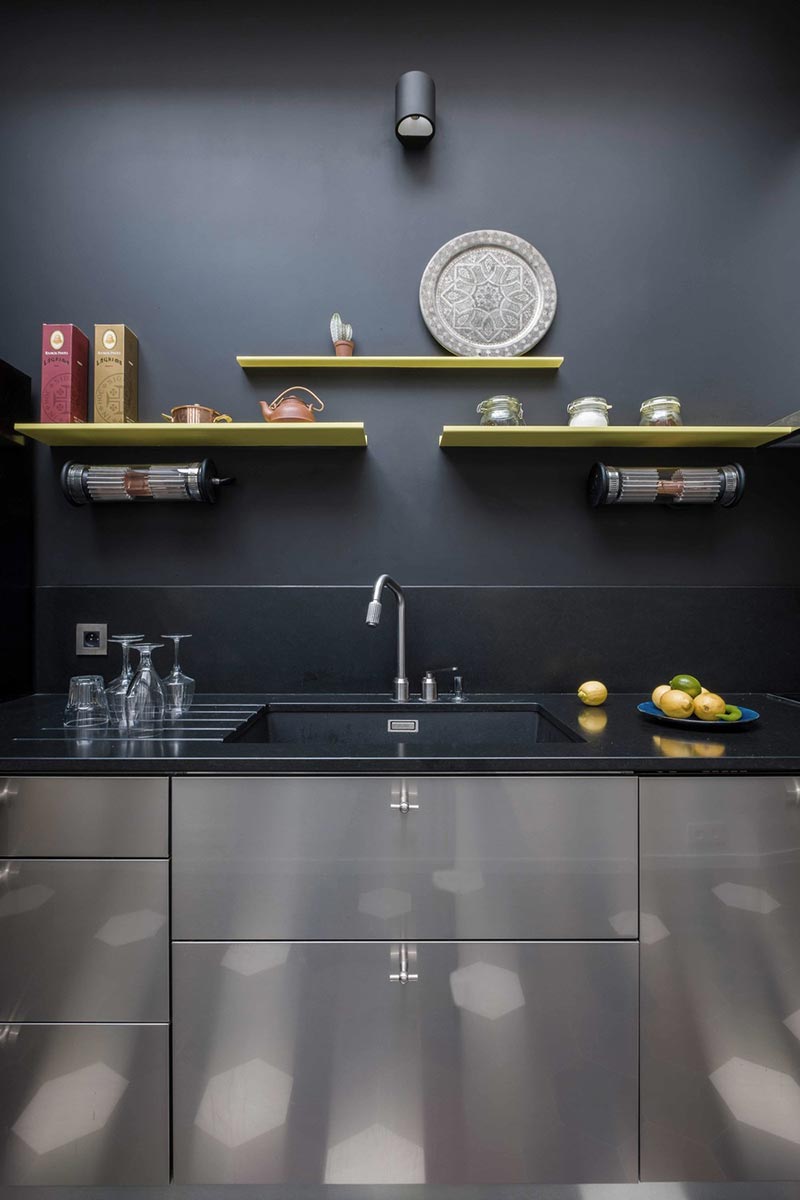
Once infested with mushrooms throughout the interior wooden structures, this Parisian home is now beautifully fit for the family who dwells here, and is a delicious display of French design. Continue reading
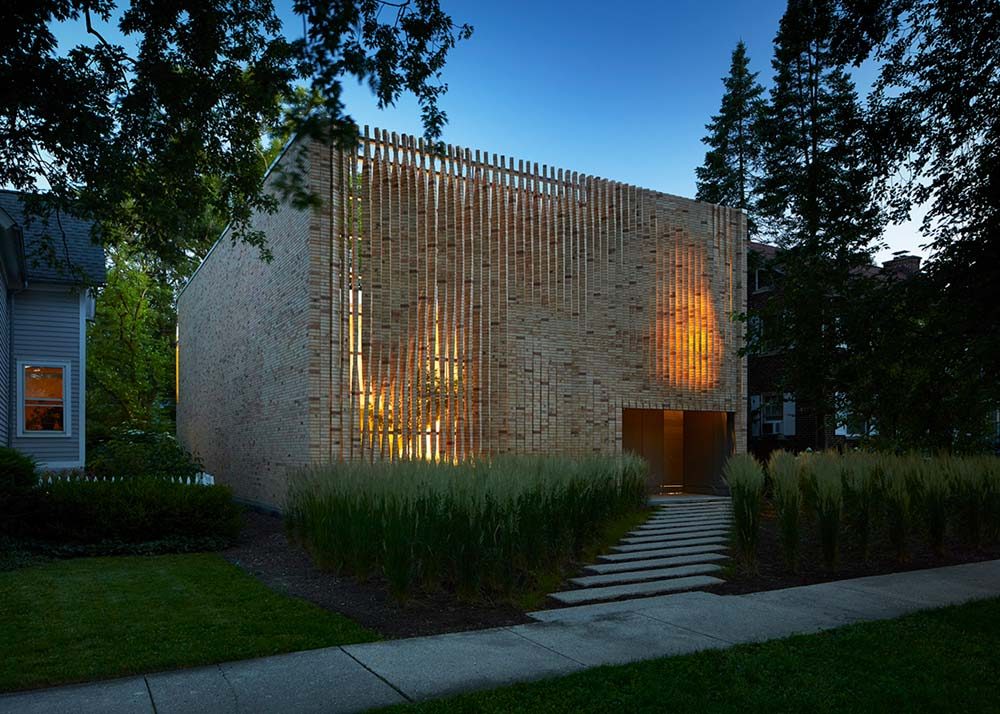
Situated in the University district of Chicago, this modern brick house is an exquisite example of what a suburban brick lair can look like. Continue reading


Calling all architects and designers! - This is your chance to be published in Busyboo and share your work with our readers. Click here to get started.